


Groups
A group for every trip or outing, with friends and clear permissions.
- Create a group with a name and a default currency
- Pick participants from your friends and invite them
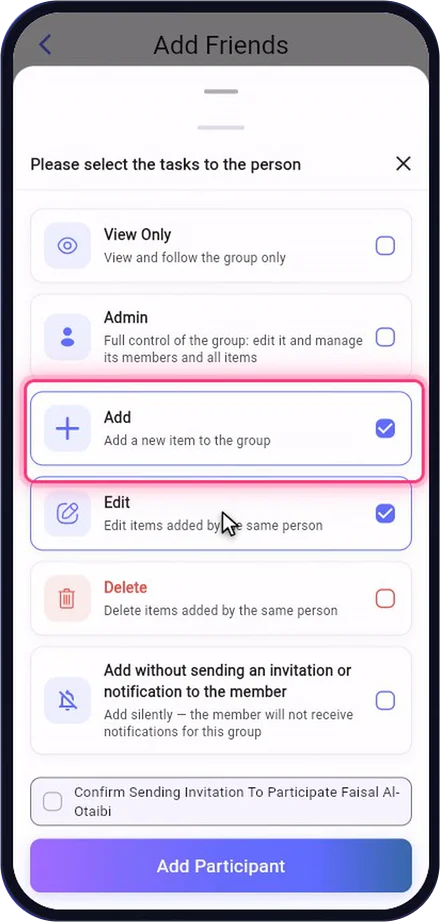
- Per-person permissions: view only, add, edit, delete or admin
An app that brings friends together in groups to plan trips and outings: it logs expenses and splits them fairly, works out who owes whom, and keeps activities, bookings and photos in one place.
 Equal or custom splitsFewest transfers to settle upBudgets and monthly billsActivities, bookings, albumsBilingual AI assistantA free Basic plan

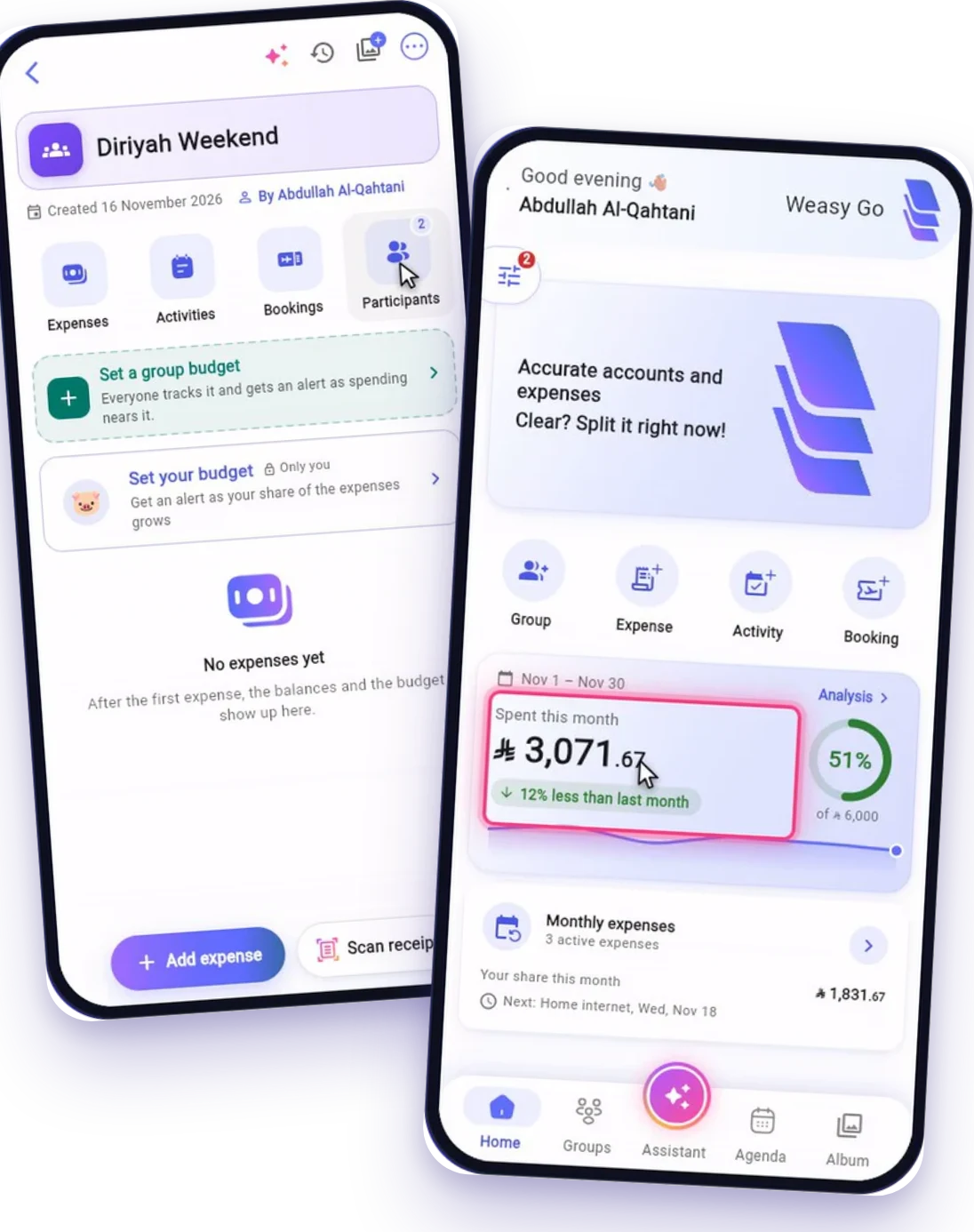


With Weasy Go, don't worry about the math: it's all worked out for you!
Bring your friends into a group, log expenses and split them the way that suits you, plan your trip and keep an eye on your budget, whether it's a trip, an outing or the household's monthly bills.
Bring everyone together
A group for every trip or outing, and one link to invite everyone.
Split fairly
Equally, by ratio or with an amount for each person, in any currency.
 Plan your trip
Activities, bookings and photos in one place for the whole group.
Stay on budget
Budgets for the trip and the month, and monthly bills tracked for you.
From the first invite to the last settle-up, here is everything Weasy Go does for you.
A group for every trip or outing, with friends and clear permissions.
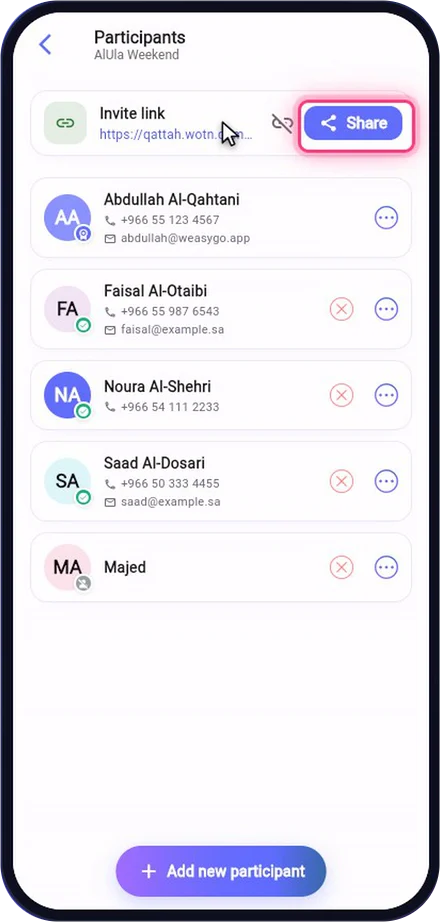
One link in the WhatsApp group, and friends join without being looked up by phone or email.
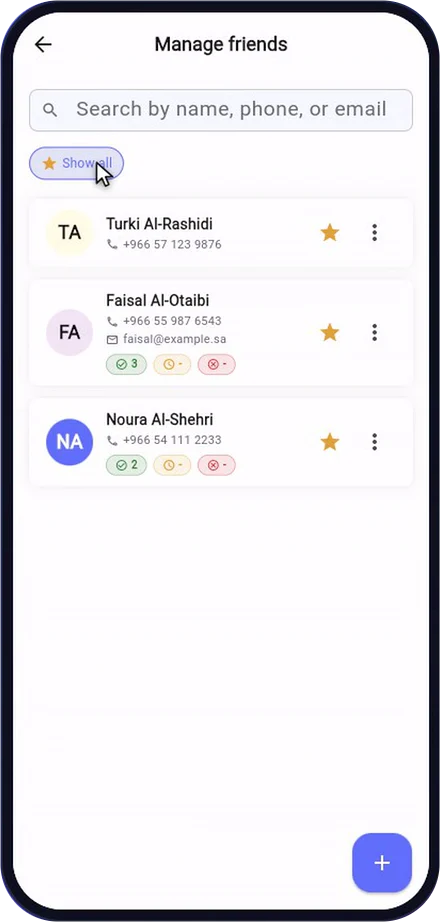
Save the people you split with once, then add them to any group in one tap.
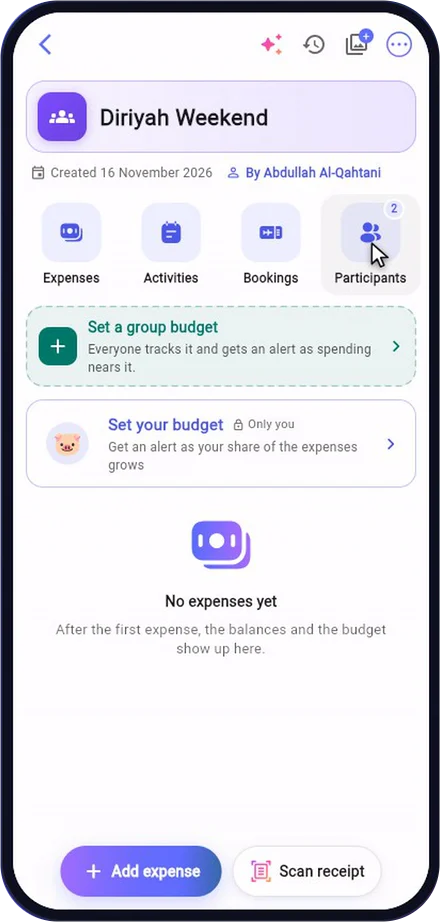
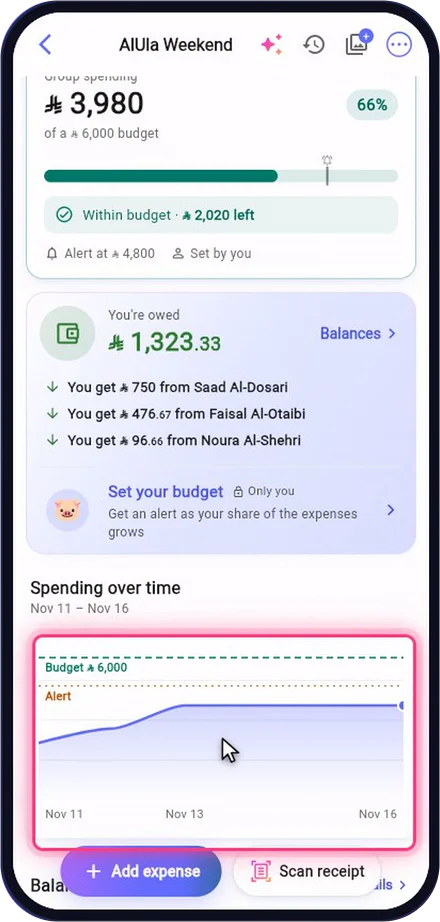
One board: how much has been spent, who pays whom, and every section of the group a tap away.
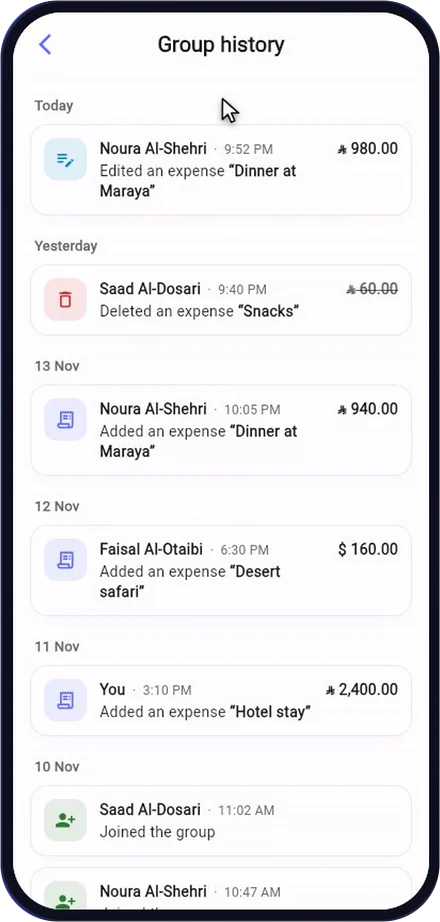
Everything that happened in the group, in order, with who did it and when.
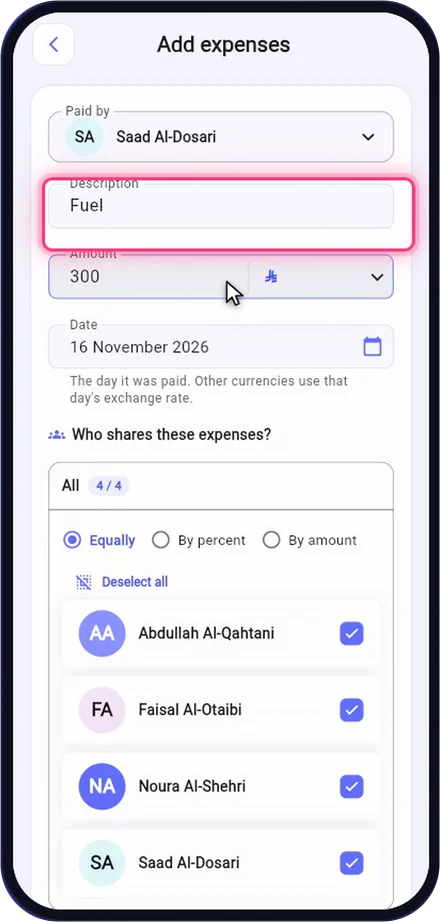
Log what you paid in seconds, and the app splits it for everyone.
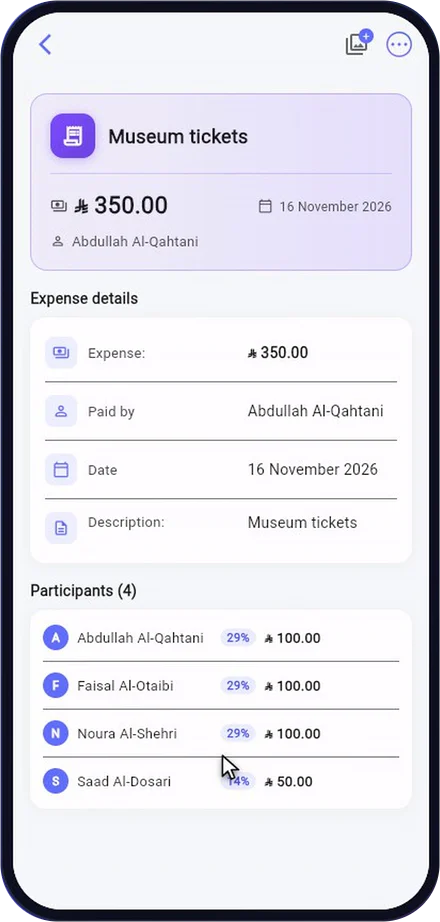
Not every expense is split evenly: set each person’s share.
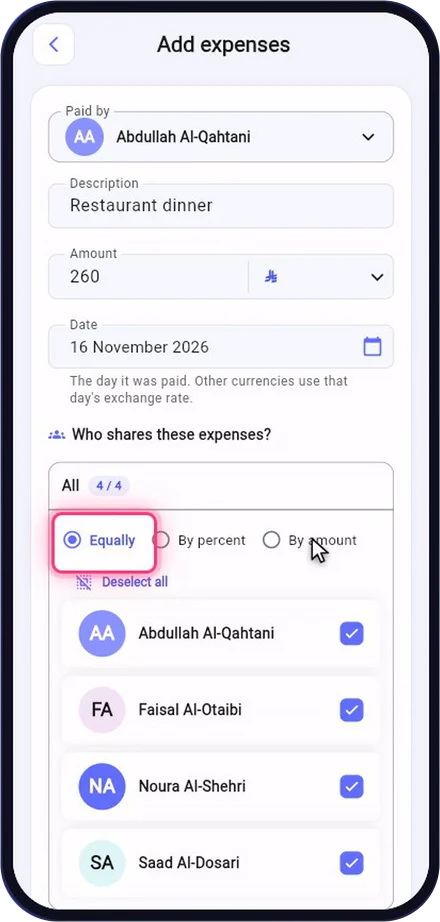
A restaurant bill where everyone ordered something different? Give each person their amount.
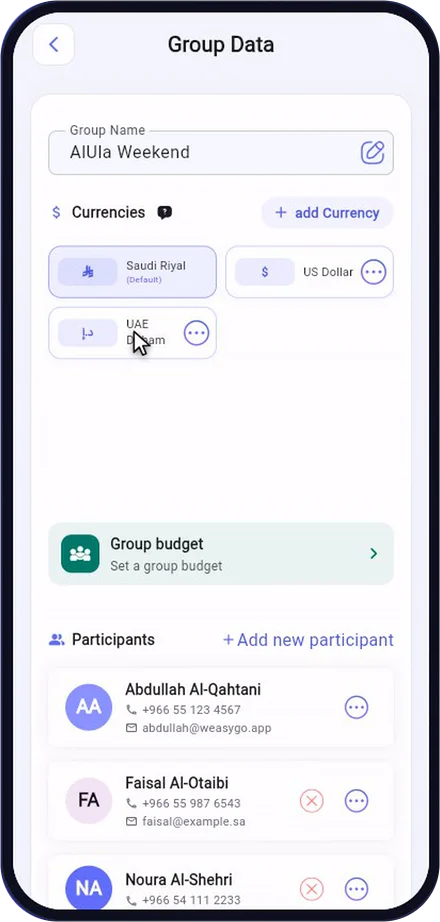
One group handles several currencies, converted automatically.
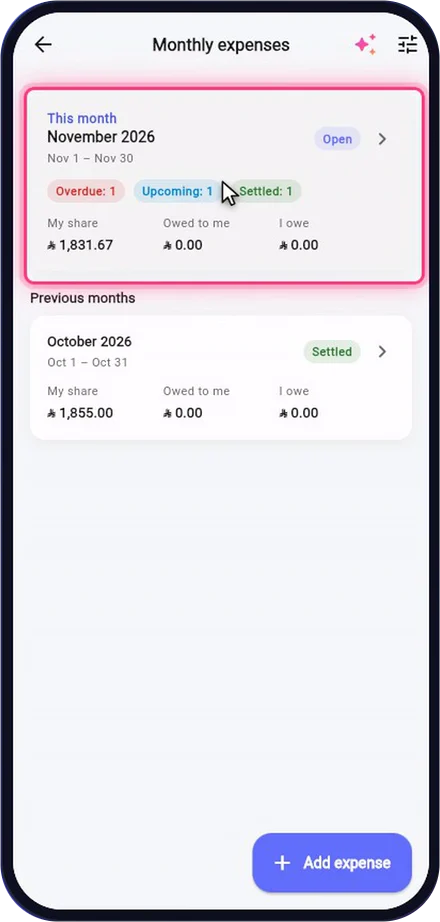
Rent, bills and subscriptions you share every month, tracked for you.
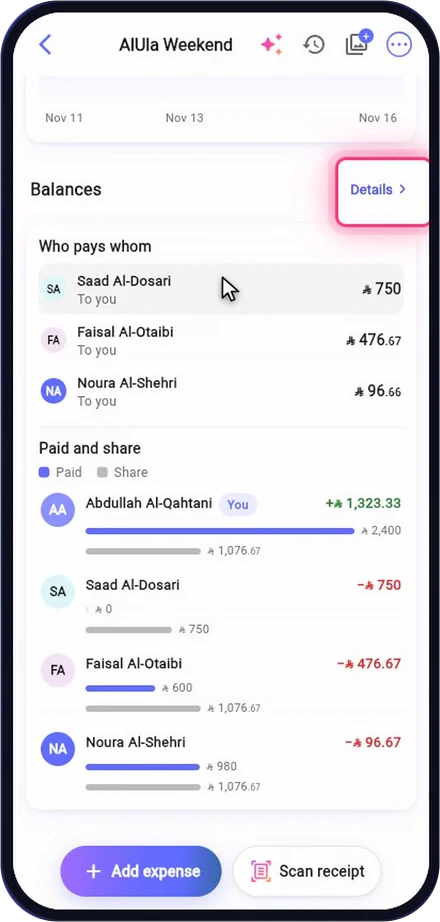
The app does the math, with the fewest transfers.
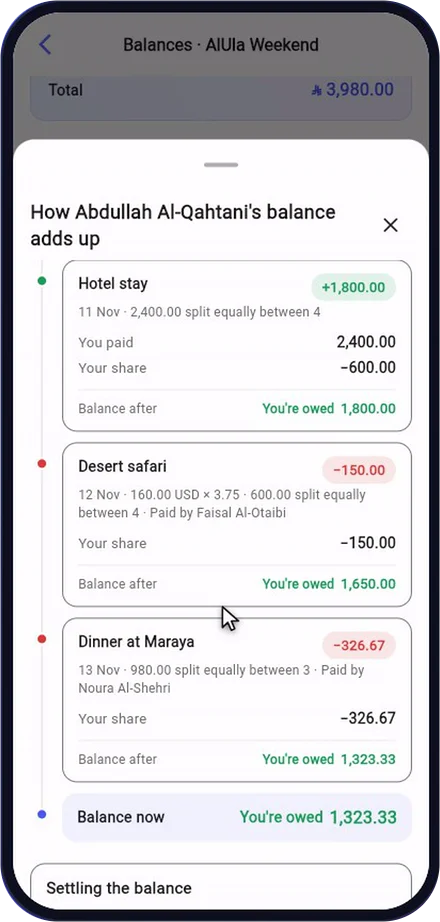
Every balance explains itself, step by step.
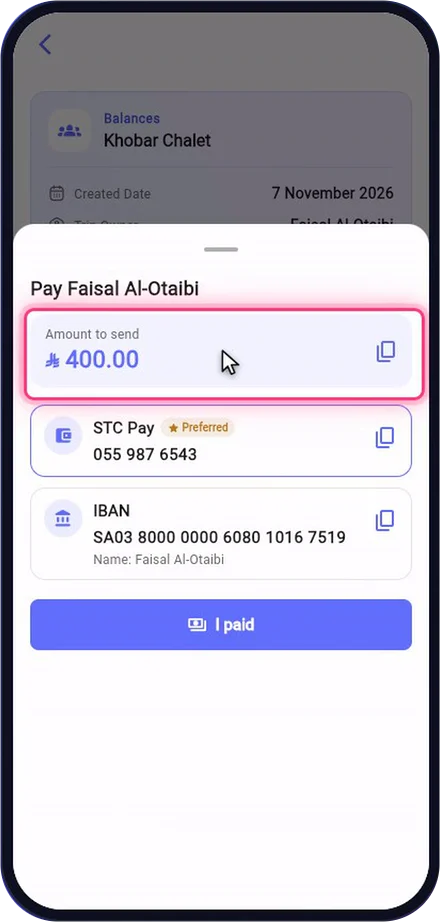
No more “send me your IBAN”: whoever is owed saves their method once, and the payer sees it.
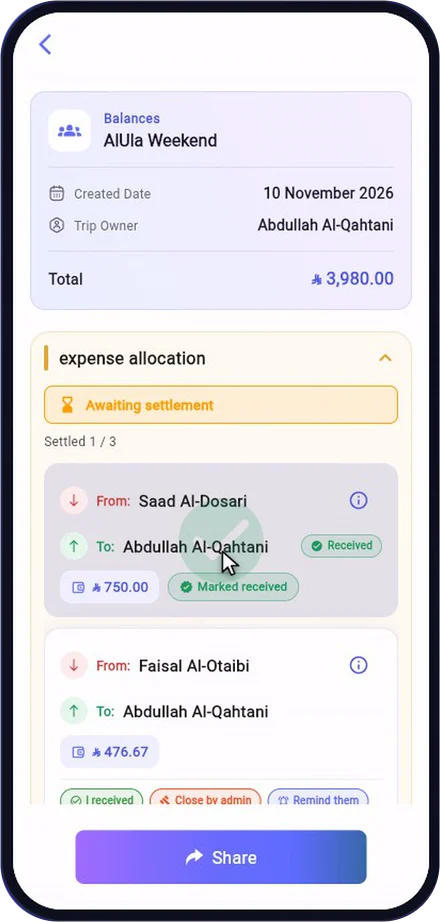
When the trip ends, confirm payments and the group closes itself.
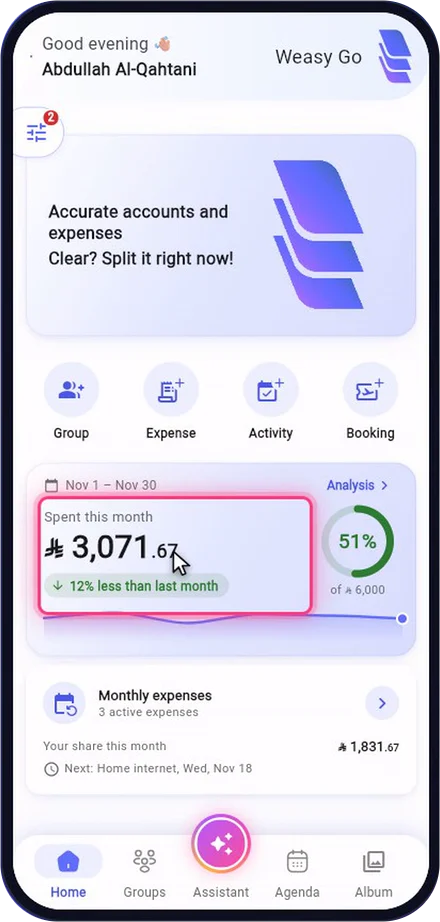
Your month at a glance, and everything waiting for you in one place.
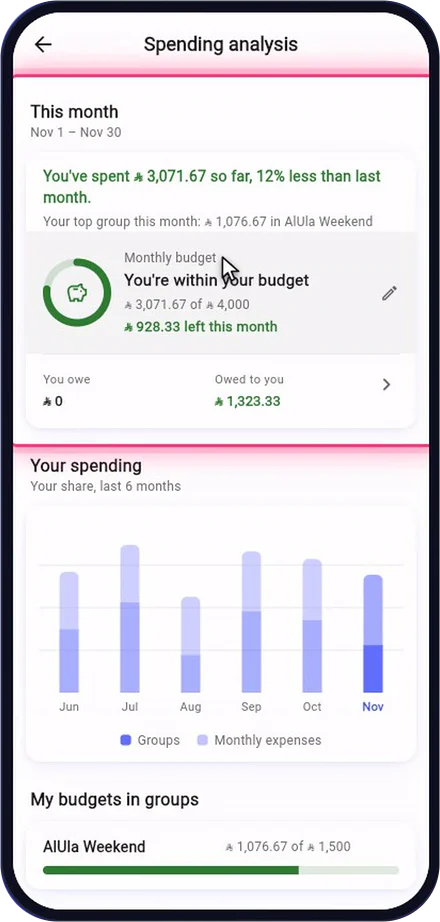
A limit for your whole month’s spending, and what’s left of it on Home.
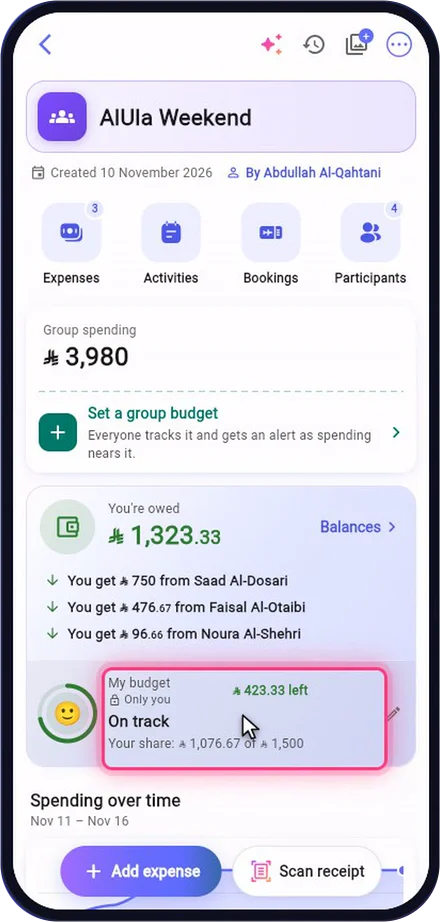
Each member sets their own budget per group, compared with their share whoever paid.
The owner or an admin sets one budget for the whole trip, and everyone sees it.
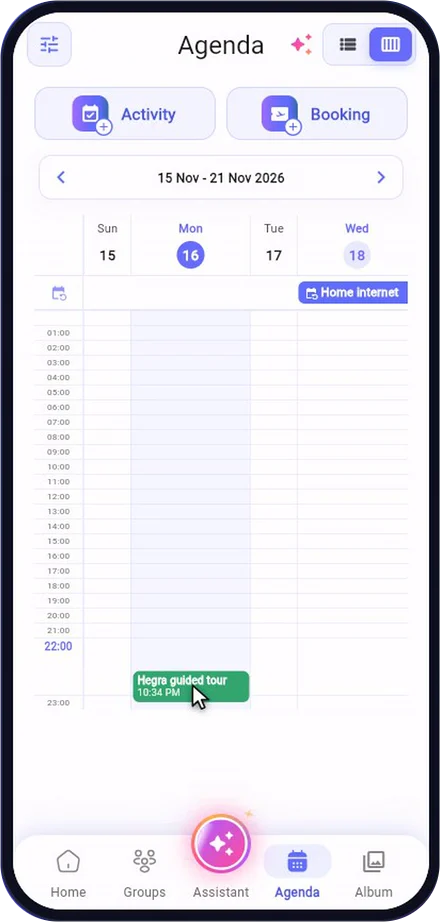
Plan the trip’s activities inside the group, with reminders for everyone.
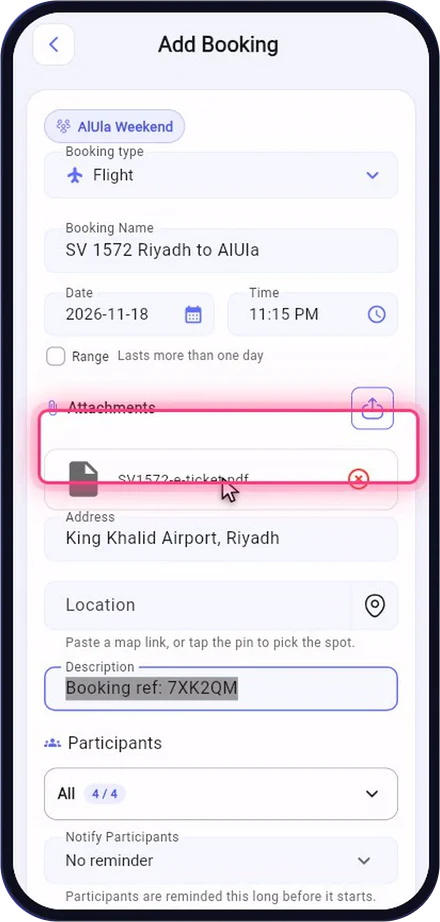
Flights and hotels in one place for the whole group.
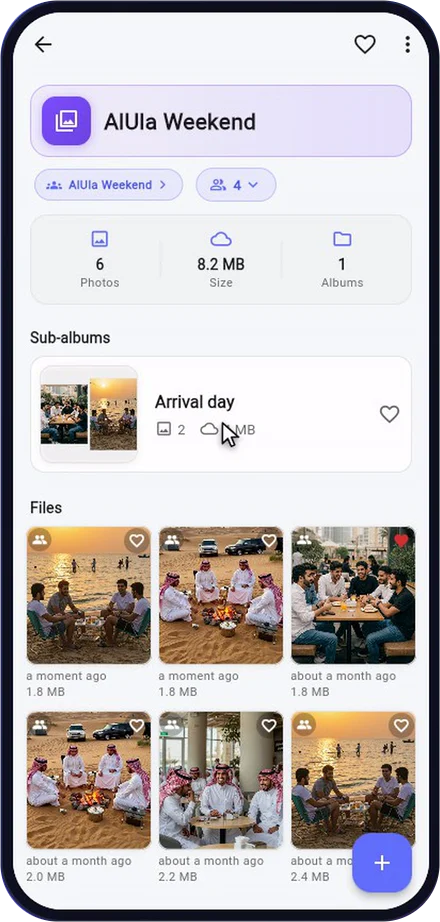
Every trip deserves an album, shared with the whole group.
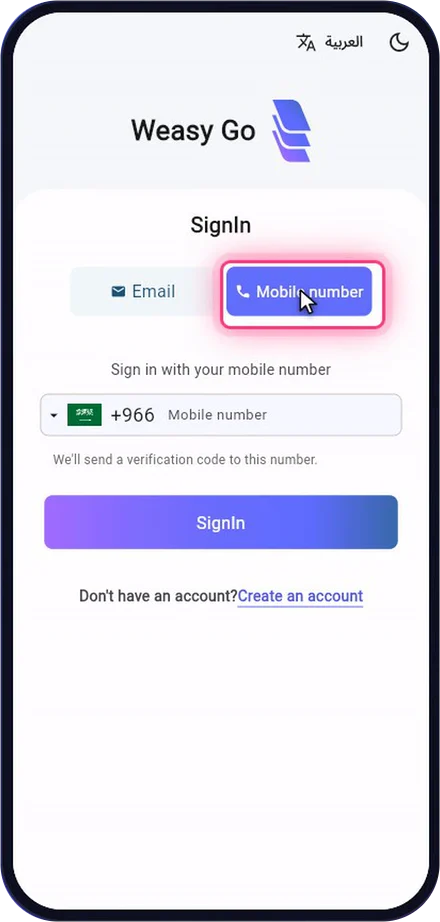
Sign in within seconds with a mobile number or email and a one-time code.
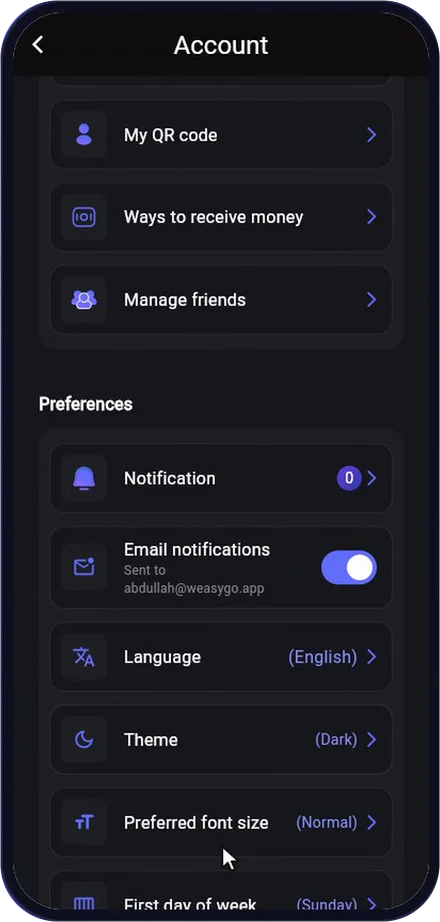
Make the app yours: notifications, theme, font size and language.
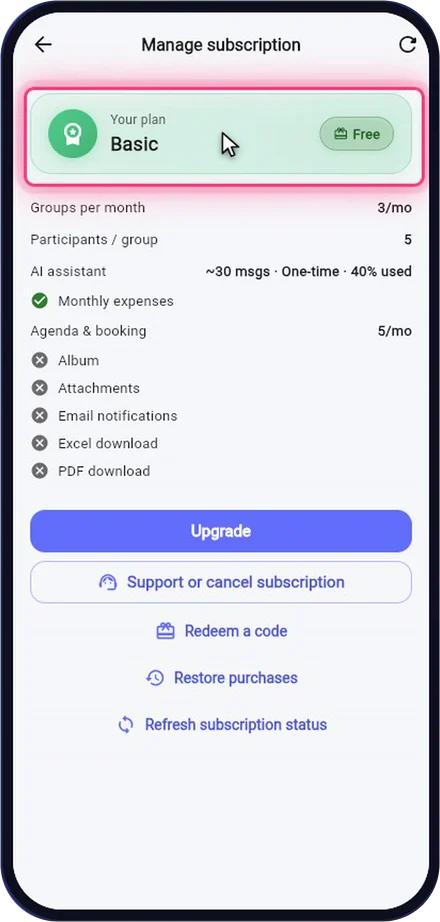
A free Basic plan for everyone, and Silver, Gold and Platinum through the app store.
Type or say what you need, in Arabic or English, and the assistant gets it ready.
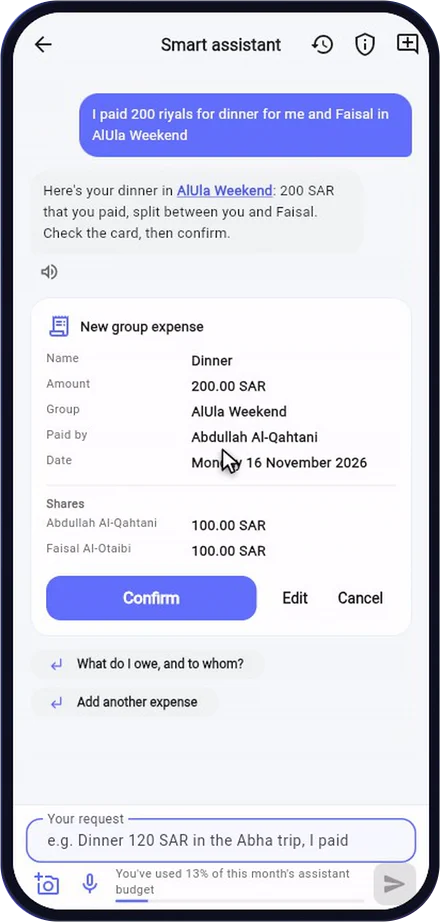
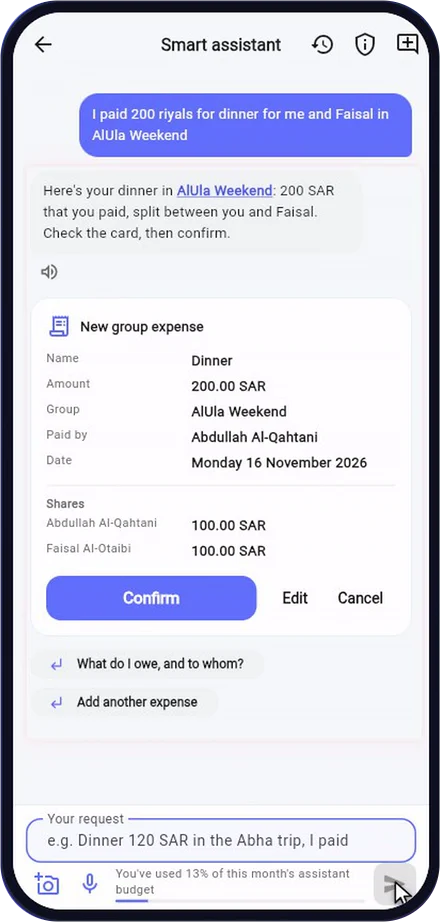
Adds an expense, group, activity, booking or monthly bill from one sentence, as a card you review and edit before confirming
Reads a receipt photo in Arabic and English, takes voice dictation, and reads its reply aloud
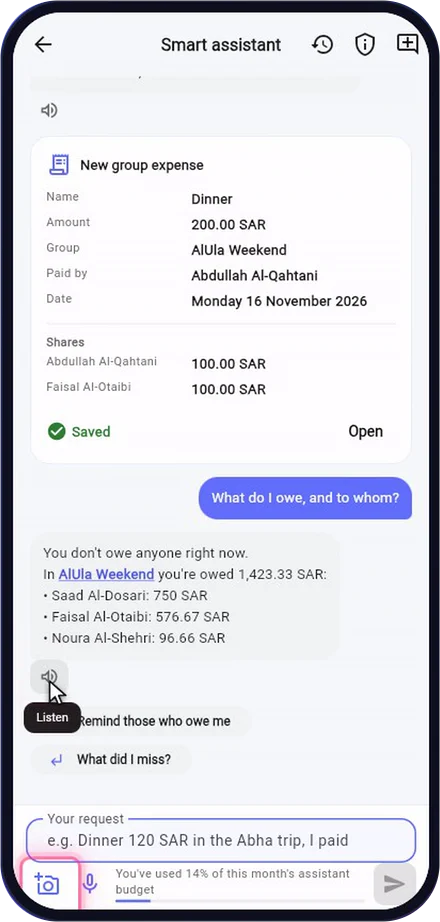
Answers “What do I owe, and to whom?”, this month’s spending, a group’s history and how a balance was worked out
Suggests your next question, opens the screen you ask for, and explains how to use the app
Earlier chats are kept, so you can pick them up again
Available on every plan, including the free Basic plan.
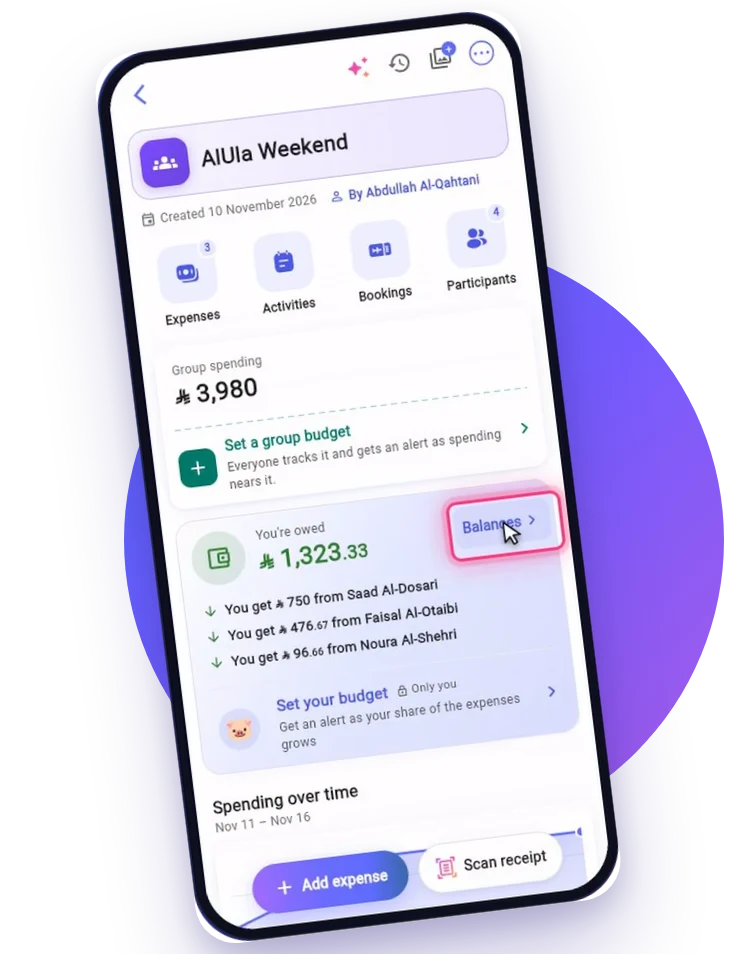
You're on a trip, you're the one in charge, and you have no time to do the math or get lost in the details! Everyone paid for something different: one paid the hotel, another the food, a third the fuel and the coffee.

Create a group for the trip with its name and currency, invite friends from your list or with one link in the WhatsApp group, and choose what each person can do.

Everyone adds what they paid and picks who shares it: equally, by ratio or with an exact amount each, in any currency, converted automatically.

Everyone sees the expenses and balances as they happen; the group's history shows who added or changed what and when, and every balance explains how it was worked out.

Snap the receipt or tell the AI assistant and it logs it for you; at the end it tells you who pays whom with the fewest transfers, and how to pay each one.

Download a summary of the trip's accounts as a PDF or Excel file and send it to the group, along with activity and booking reports.

The app you can leave the math to: it gets it right, and everyone knows what they owe.
Powered by WOTN, all rights reserved 2026


